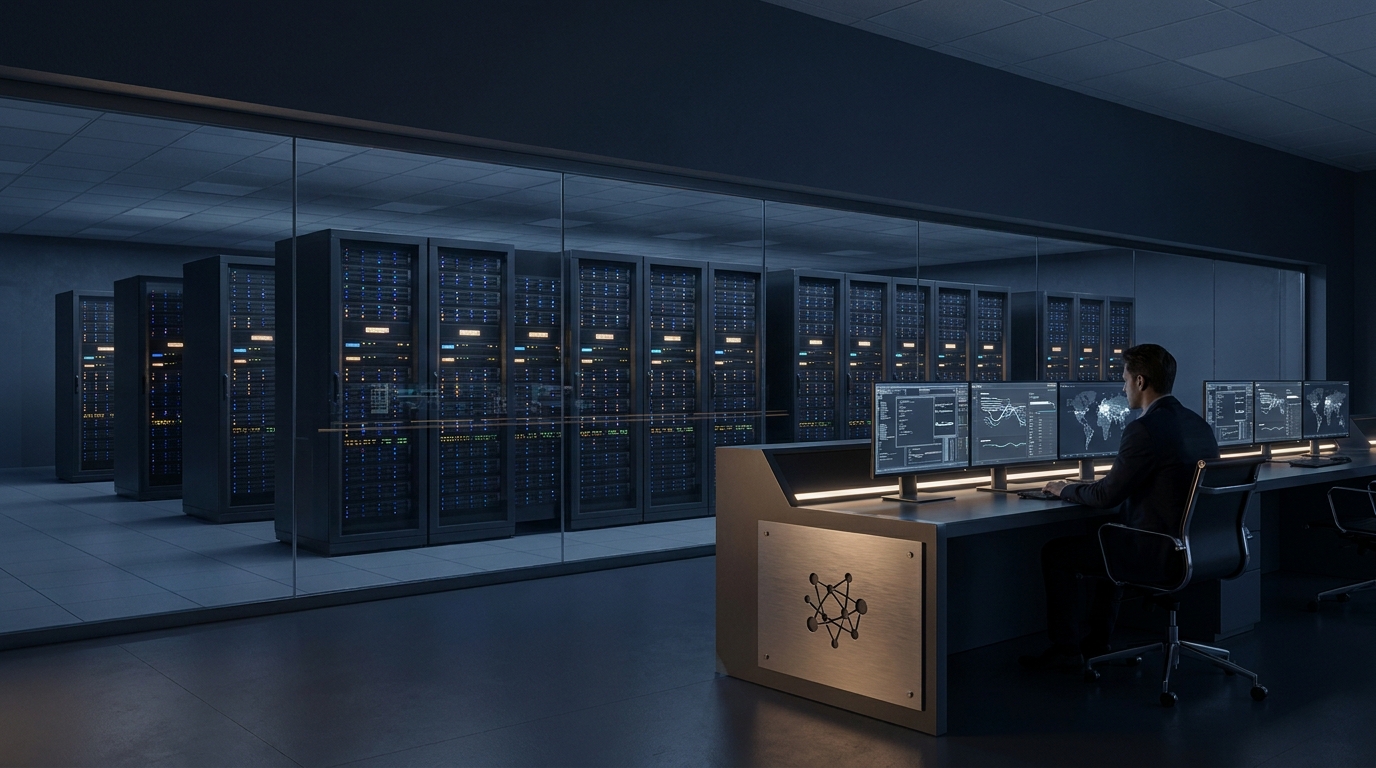

MSP software is the digital infrastructure that IT service companies use to remotely monitor client networks, manage support tickets, and bill for their time. If you run a managed IT business, this software is your assembly line. It determines how many endpoints a single technician can support before your labor economics break down.
For decades, IT support was a reactive break-fix model. A server went down, a client called, and a technician drove on-site to fix it. That model does not scale. Modern IT relies on proactive, remote management. To do that across dozens or hundreds of different client organizations, providers need a highly specialized set of tools built specifically for multi-tenant environments.
This is not just about tracking tasks. It is about maintaining persistent, secure access to thousands of machines, automating routine maintenance, and turning technical actions into billable events. Whether you are an operator looking to switch platforms or a developer building a product for the IT channel, understanding the mechanics of these systems is non-negotiable.
What is a MSP in software?
A Managed Service Provider (MSP) is a company that remotely manages a customer's IT infrastructure and end-user systems. In software terms, an MSP relies on a specific stack of tools to automate maintenance, track assets, and resolve technical issues across multiple different client organizations from a single dashboard.
The defining characteristic of an MSP is multi-tenancy. An internal corporate IT department only needs to manage one network domain. An MSP might manage fifty different domains, each with its own security policies, software stacks, and compliance requirements. The software they use must keep all of these environments strictly segregated while allowing the MSP's technicians to work across them efficiently.
When developers build products for this market, they must design for this hierarchy. Every object in the database must map to a specific tenant (the MSP) and a sub-tenant (the MSP's client). Failing to build this structure from day one is the most common reason new software products fail to gain traction in the IT channel.

What is MSP software used for?
MSP software is primarily used to automate repetitive IT tasks, deploy software updates, monitor network health, and manage customer support requests. It combines technical remote management capabilities with business operations like time tracking, contract management, and automated billing.
The core functionality splits into two main categories. The first is technical execution. The software deploys agents (small background applications) to every laptop, server, and virtual machine under management. These agents report back on hardware health, software versions, and security vulnerabilities. If a hard drive is failing, the software detects it and automatically generates an alert.
The second category is business management. Unlike standard pm software that simply tracks project milestones, MSP platforms track billable time against specific service level agreements (SLAs). If a client pays for a premium support tier, the software ensures their tickets are routed to senior engineers first. When a remote fix fails, the platform's dispatch modules often overlap with field service software to send a technician to the physical office.
Core components and MSP tools examples
The foundation of an MSP stack includes Remote Monitoring and Management (RMM) and Professional Services Automation (PSA). Leading examples include ConnectWise, Kaseya, Datto, and NinjaOne. These platforms handle everything from patching servers to generating monthly recurring revenue invoices.
To understand the market, you have to look at how these tools interact:
- RMM (Remote Monitoring and Management): This is the technical engine. It provides remote desktop access, automated script execution, and patch management. NinjaOne and Datto RMM are common examples.
- PSA (Professional Services Automation): This is the business brain. It handles ticketing, CRM, billing, and contract management. ConnectWise Manage and Autotask are the legacy heavyweights here.
- ITAM (IT Asset Management): Tracking physical laptops, servers, and mobile devices across hundreds of locations requires logistics similar to fleet management software. This tracks warranties, lifecycles, and user assignments.
- Documentation: IT Glue and Hudu are specialized platforms used to store network diagrams, passwords, and standard operating procedures.
Historically, an MSP would buy a standalone RMM and a standalone PSA, then spend months configuring the integration between them. Today, the major vendors have acquired their way into offering unified platforms. The tradeoff is that these all-in-one suites are often bloated, forcing operators to choose between a single vendor ecosystem or a fragmented stack of best-in-class tools.
Is SAP a MSP? Understanding enterprise vs. provider tools
SAP is not an MSP. SAP software is an enterprise resource planning system used by large organizations to manage their own internal operations. While an MSP might help a client maintain the servers running enterprise software, the MSP itself uses specialized multi-tenant tools to deliver that support.
This confusion often arises when businesses look for software to run their operations. If you are a manufacturing company, you buy SAP software or Sage software to track your inventory and financials. You then hire an MSP to make sure the servers hosting that software stay online and secure.
The MSP does not use SAP to fix your servers. They use their RMM to monitor the server's CPU usage and their PSA to bill you for the monitoring service. Understanding this distinction is critical for software buyers. You buy enterprise software to run your business. You hire an MSP (who brings their own software) to keep your technology running.

The limits of legacy platforms and technical debt
The biggest constraint in the MSP software market is technical debt. Many dominant platforms were built decades ago and rely on acquired, stitched-together codebases. This results in clunky interfaces, slow performance, and integration vulnerabilities that modern cloud-native alternatives are only just beginning to solve.
Because these tools require persistent administrative access to thousands of endpoints, they are prime targets for cyberattacks. The 2021 supply chain attack on Kaseya VSA demonstrated exactly what happens when an RMM vulnerability is exploited. Attackers compromised the central management server and used the MSP's own software to push ransomware to thousands of downstream clients.
This reality has shifted how operators evaluate software. Feature lists matter less than architecture. Buyers now demand strict zero-trust frameworks, mandatory multi-factor authentication, and API-first designs. Legacy platforms that rely on on-premises servers or outdated code structures are rapidly losing market share to newer, cloud-native competitors that prioritize security over feature bloat.
The build versus buy dilemma for IT providers
You should almost never build your own core RMM or PSA from scratch because the security risks and endpoint complexities are too high. Instead, modern IT providers build custom client portals, specialized reporting dashboards, or unique automation scripts that sit on top of commercial MSP platforms.
If you are an operator trying to scale, your differentiation will not come from the RMM you choose. Every competent provider uses similar monitoring tools. Your differentiation comes from the client experience. Off-the-shelf PSA portals are notoriously difficult for end-users to navigate. They look like ticketing systems designed by engineers, for engineers.
This is where custom development yields the highest return on investment. Forward-thinking providers use the APIs provided by their PSA and RMM to build proprietary web applications. These custom portals allow clients to onboard new employees, view their IT security scores, and approve hardware purchases in a clean, branded interface. You buy the engine, but you build the dashboard.
For software developers looking to enter this space, the opportunity lies in the gaps between the major platforms. The channel does not need another RMM. It needs better integration layers, advanced data analytics, and tools that translate technical metrics into business risk for the end client.
Choosing the right foundation or deciding where to build custom layers requires a deep understanding of multi-tenant architecture and API limitations. If you are evaluating how to integrate your existing tools or want to build a custom client portal that actually differentiates your service, book a call with our team to map out the architecture.
Maurizio Cavalieri is the Founder & CEO of LevelThree Co, established in 2019, he has worked in the industry for over 13 years developing software.
LinkedInFrequently asked questions
What is the difference between RMM and PSA?
RMM (Remote Monitoring and Management) handles the technical work, like patching software and monitoring server health. PSA (Professional Services Automation) handles the business side, including ticketing, time tracking, and billing.
Can standard project management software replace a PSA?
No. Standard project management tools lack the ability to tie technical time entries directly to complex managed service contracts, recurring billing agreements, and service level agreements (SLAs) required by IT providers.
Why is multi-tenancy important in this software?
Multi-tenancy allows a single software instance to manage dozens of different client organizations securely. It ensures that data, security policies, and user access are strictly segregated so one client cannot see another client's network.
Should an IT provider build their own management tools?
Providers should buy their core RMM and PSA platforms due to the immense security and maintenance burden. However, building custom client-facing portals or specialized API integrations on top of those platforms is a highly effective way to differentiate your service.
Signals, not noise.
- Field notes from real client builds
- Pricing, process & AI takes, unfiltered
- No spam. Unsubscribe in one click.