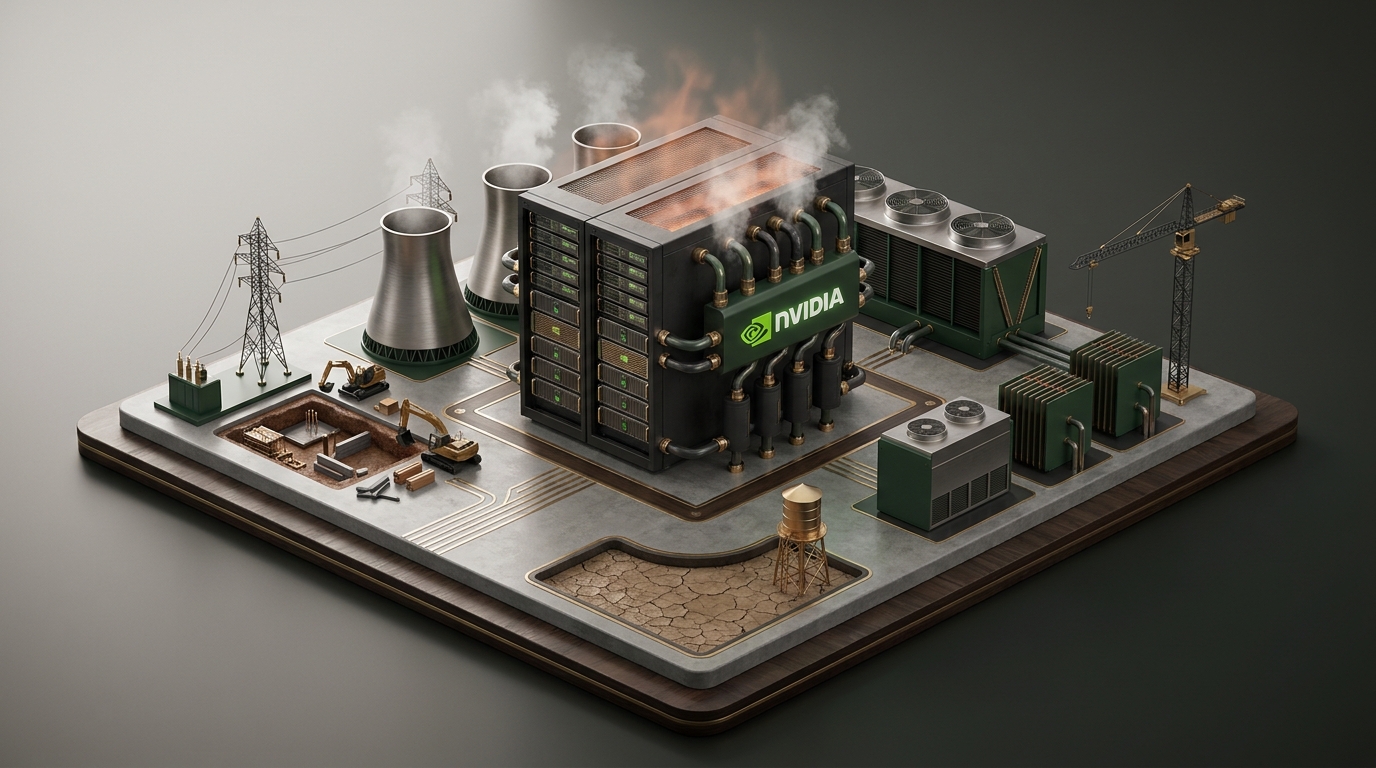

Nvidia is redesigning the AI data center to run hotter and use significantly less water. The new Rubin reference architecture intentionally pushes operating temperatures higher to eliminate massive water consumption, trading thermal headroom for environmental sustainability. For startups planning private cloud or colocation deployments, this fundamentally changes the infrastructure math. You are no longer just renting space and power. You are buying into a specific thermal envelope that dictates everything from rack density to how your operating system schedules tasks. To survive in a hotter data center, operators must squeeze every drop of efficiency out of their nodes using techniques like hardware accelerated GPU scheduling.

The shift to high-temperature liquid cooling
Nvidia claims its liquid-cooled Rubin design significantly reduces power waste and eliminates almost all water usage. The tradeoff is ambient heat. Traditional data centers rely on massive evaporative cooling towers that consume millions of gallons of water to chill the facility down to 15 or 20 degrees Celsius. Rubin shifts the burden away from evaporation. By allowing the silicon to run at higher temperatures, facilities can use warmer water for cooling. Warmer water means the data center can use dry coolers instead of evaporative towers, saving water but relying heavily on ambient air temperatures to dissipate the heat.
Critics rightly point out that this design does not address the massive energy footprint required during data center construction and power generation. For a startup renting colocation space, a hotter rack means you need to be precise about how you manage workloads. Every watt drawn by the CPU or GPU turns into heat. When the rack is running near its thermal limit, how the operating system schedules tasks becomes a critical variable. You have to remove inefficiencies at the software layer to keep the hardware from throttling.
What is hardware accelerated GPU scheduling?
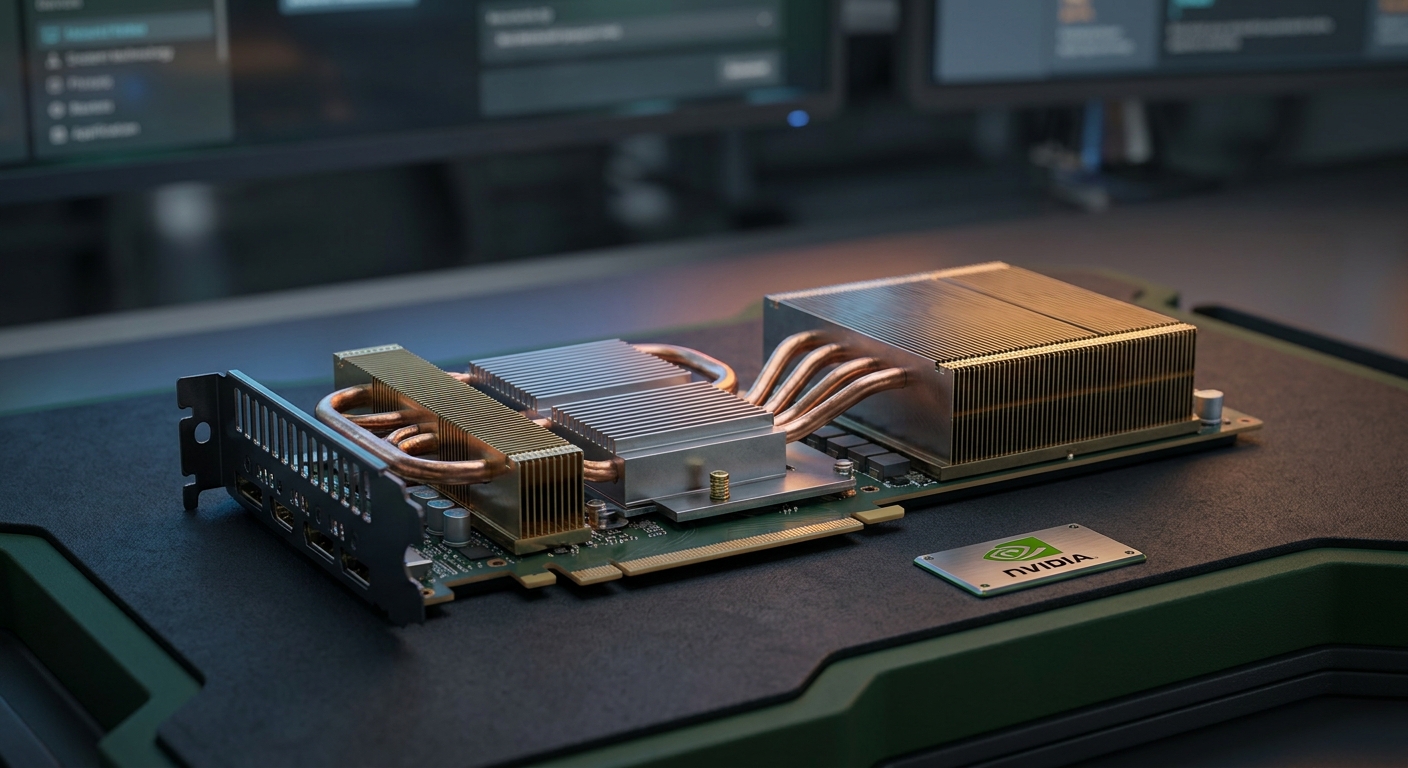
Hardware accelerated GPU scheduling is an operating system feature that offloads memory and task management from the CPU directly to a dedicated scheduling processor on the GPU. Instead of the CPU batching commands and sending them across the PCIe bus, the GPU handles its own queue.
This matters deeply for thermal management in a dense rack. By reducing CPU overhead, you lower the CPU temperature and reduce overall system latency. In a dense AI cluster running the Rubin architecture, shifting work away from the CPU prevents bottlenecks. It keeps the power draw focused strictly on the silicon that is actually doing the heavy lifting. The less work the CPU does, the less heat the motherboard generates, which leaves more thermal headroom for the liquid cooling loop to manage the GPUs.
Is it good to turn on hardware accelerated GPU scheduling?
Yes. For modern AI workloads, high-throughput rendering, and heavy compute tasks, turning this feature on is the correct move. It directly reduces CPU utilization. Lower CPU utilization means less heat generated by the socket and surrounding motherboard components. It allows the GPU to manage its own memory pool much faster than waiting for CPU instructions. However, it will not fix poorly optimized code. If your application is bottlenecked by PCIe bandwidth or storage read speeds, changing the scheduling method will not improve your throughput.
Is hardware acceleration better on or off?
Keep it on for dedicated compute nodes and off for management servers. If a server exists purely to train models, run inference, or render frames, hardware acceleration ensures the specialized silicon operates at maximum efficiency. If the server is a storage controller, a hypervisor management node, or a networking gateway, you want predictable CPU behavior without the overhead of GPU driver scheduling. Turn it off for infrastructure management nodes to ensure stability.
Does hardware accelerated GPU scheduling boost FPS?
In rendering, simulation workloads, and virtual production, hardware accelerated GPU scheduling does boost frames per second. It removes the CPU from the critical path of frame generation. The GPU no longer waits for the CPU to compile the next set of instructions. For startups building cloud gaming infrastructure or remote rendering farms, this translates directly to better client performance and lower latency.
Can hardware accelerated GPU scheduling cause crashes?
It can cause crashes if your software stack is outdated. Shifting the scheduling burden to the GPU requires stable drivers and compatible frameworks. Older machine learning libraries or legacy rendering engines might not expect the GPU to manage its own memory queue. This mismatch can lead to memory access violations or driver timeouts. If a node goes down in a high-density cluster, the workload shifts to other machines, potentially causing thermal spikes on neighboring nodes.
Running a strict GPU test to validate thermal limits
Before deploying a private cloud in a high-temperature facility, you must validate the thermal and scheduling limits of your hardware. Running a synthetic GPU test on your exact node configuration is non-negotiable. You need to simulate peak load with hardware accelerated GPU scheduling enabled to see exactly how the cooling system responds.
A proper GPU test will push the silicon to its maximum power draw for an extended period. In a Rubin-style high-temperature environment, you want to monitor how quickly the system throttles. If the liquid cooling loop cannot dissipate the heat fast enough, the GPU will automatically lower its clock speed to protect itself. Downclocking wastes the expensive compute capacity you just provisioned. You need to know the exact temperature at which your specific GPUs begin to throttle, and configure your load balancers to distribute work before that threshold is reached.
Comparing infrastructure cooling approaches
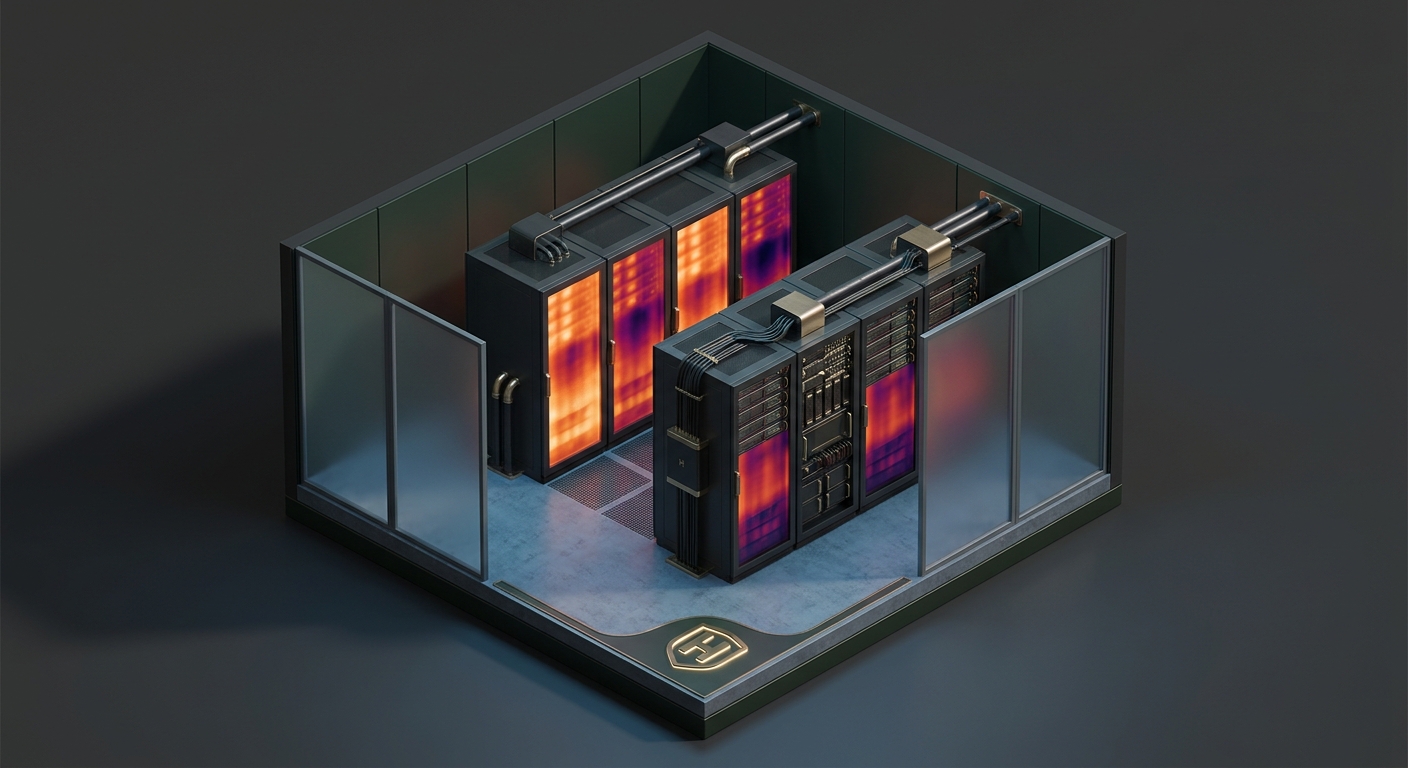
Startups have three main paths for AI infrastructure. Each handles heat and scheduling differently, requiring different operational strategies.
- Traditional Air Cooling: High water usage for the facility. CPUs handle most of the scheduling overhead. Lower density per rack. Easiest to deploy but hardest to scale for heavy AI workloads.
- Standard Liquid Cooling: Chilled water loops. High facility energy costs but excellent thermal control. Hardware scheduling is used to maximize GPU utilization without risking immediate thermal throttling.
- Rubin High-Temp Liquid: Warmer water loops. Minimal facility water waste. Requires strict node-level optimization, including mandatory hardware scheduling, to prevent thermal runaway and maximize teraflops per watt.
What this actually means for your infrastructure
You have to build for heat. The days of over-provisioning cooling to mask inefficient software are over. If you are signing a colocation lease, you need to audit the facility's ability to handle high-return water temperatures. You must ask the data center operator exactly how they manage ambient air when the dry coolers are saturated.
At the software layer, you must standardize your node configurations. Enable hardware accelerated GPU scheduling to keep CPU thermals down and improve GPU throughput. Run a rigorous GPU test on every node before it enters production. You need to understand exactly how your software stack behaves when the silicon hits 85 degrees Celsius. The hardware will survive the heat, but only if your operating system is configured to manage the load efficiently.
If you are planning a high-density deployment and need to map out the exact thermal and scheduling configurations for your racks, we can help you architect the setup. Reach out to our team and book a call.
Maurizio Cavalieri is the Founder & CEO of LevelThree Co, established in 2019, he has worked in the industry for over 13 years developing software.
LinkedInFrequently asked questions
Is it good to turn on hardware accelerated GPU scheduling?
Yes, for compute-heavy and AI workloads. It offloads task management from the CPU to the GPU, reducing CPU overhead, lowering system latency, and improving thermal efficiency in dense racks.
Can hardware accelerated GPU scheduling cause crashes?
Yes, if you are using outdated drivers or legacy machine learning frameworks that do not support GPU-managed memory queues. This can result in memory access violations and system reboots.
Does hardware accelerated GPU scheduling boost FPS?
Yes. By removing the CPU from the critical path of frame generation, the GPU processes instructions faster, resulting in higher frames per second for rendering and simulation workloads.
How does Nvidia's Rubin design save water?
The Rubin reference architecture allows servers to run hotter, which means the data center can cool the racks using warmer water and dry coolers instead of water-intensive evaporative cooling towers.
Sources
Signals, not noise.
- Field notes from real client builds
- Pricing, process & AI takes, unfiltered
- No spam. Unsubscribe in one click.