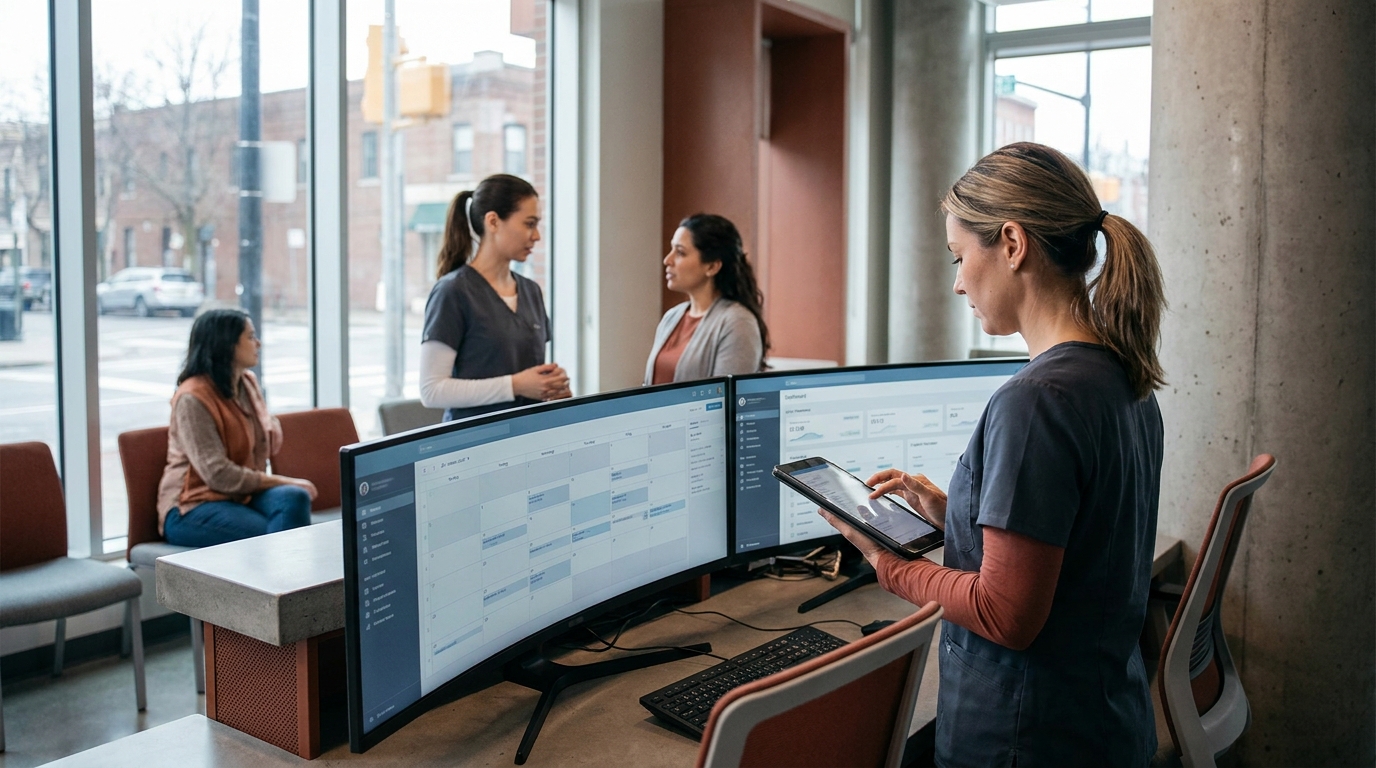

Production scheduling software is the system that decides exactly when, where, and by whom a physical product gets made on a factory floor. It takes customer orders and translates them into a minute-by-minute sequence of machine operations and labor shifts to maximize throughput and minimize idle time. For operators and founders, getting this right is the difference between a profitable plant and one drowning in delayed orders and overtime pay.
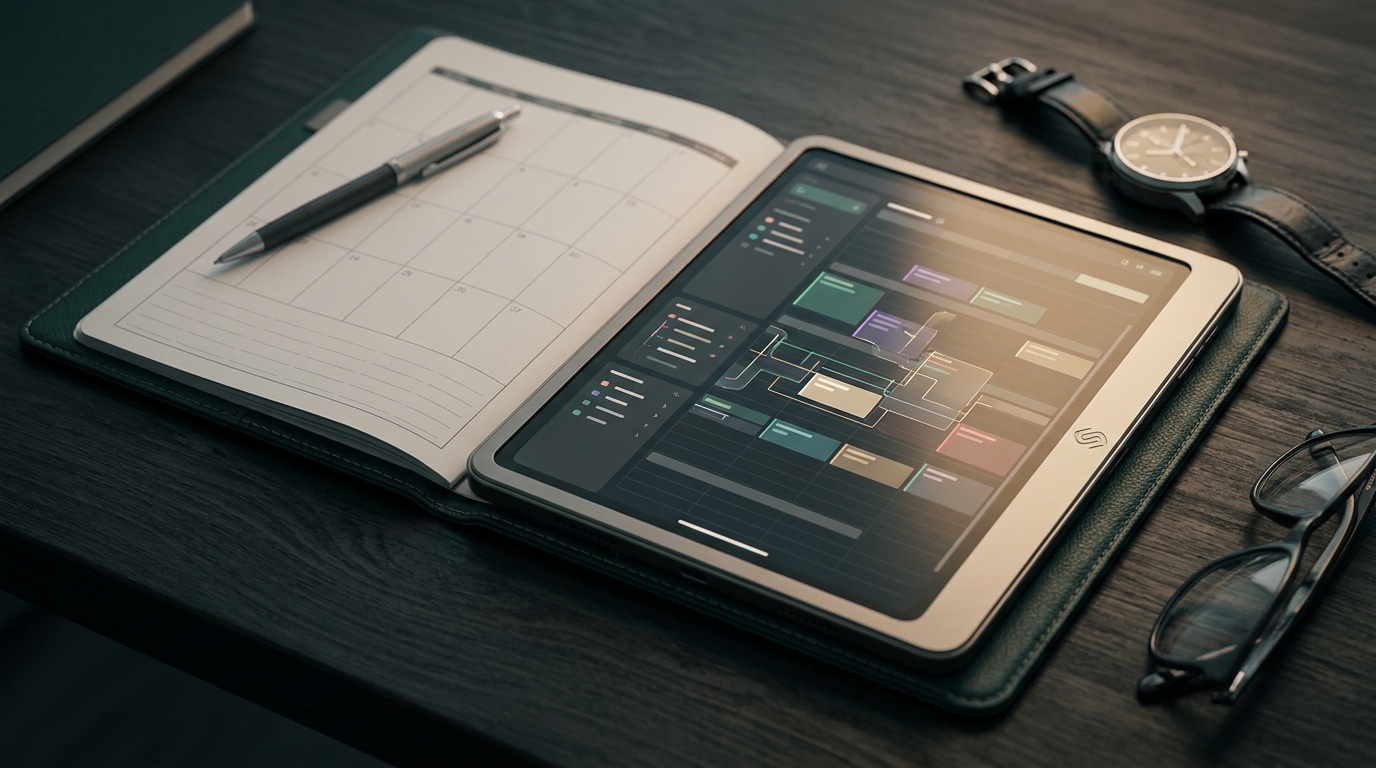
Most factories start with spreadsheets. A production manager spends hours every Sunday dragging blocks of time around, trying to balance machine availability with promised delivery dates. This works until a machine breaks on Tuesday morning. Suddenly, the entire week is invalidated. The schedule becomes a fiction, and the floor reverts to chaos. This is the exact problem manufacturing production software exists to solve. It moves scheduling from a static, manual guess to a dynamic, constraint-based reality.
Why standard scheduling software fails on the factory floor
General project management software tracks tasks and deadlines, but it cannot handle the physics of manufacturing. Production scheduling software must account for machine changeover times, raw material delays, and specific operator certifications, which is why generic tools break down in real factory environments.
A software engineering team can use Jira or Asana because code does not require a forklift to move from one workstation to another. Physical manufacturing is bound by hard constraints. If a CNC mill takes four hours to retool for a new part, you cannot simply drag and drop that task to a different machine without cascading delays across the entire facility. Generic scheduling software assumes resources are fungible. In a factory, resources are highly specific and fiercely constrained.
This is where the distinction between tracking and scheduling becomes obvious. Tracking tells you what happened yesterday. Scheduling tells you what must happen right now to prevent a bottleneck tomorrow. When operators try to force factory logic into standard productivity software, they end up writing complex scripts or relying on institutional knowledge trapped in one person's head. If that person goes on vacation, throughput drops.
The core components of manufacturing production software
A complete production scheduling system requires three main engines working together. It needs a capacity planning module to know what machines are available, a routing engine to sequence the steps, and a material requirements planner to ensure the physical parts are actually in the building.
First, capacity planning defines the boundaries of reality. It maps out exactly how many hours each machine can run, factoring in planned maintenance and shift changes. It also tracks human capital. You might have three available welding stations but only two certified welders on the floor. The software must recognize that labor constraint before assigning work.
Second, the routing engine dictates the sequence of operations. Product A might need cutting, then milling, then finishing. The routing logic ensures that milling cannot be scheduled before cutting is complete, and it calculates the transit time between those two stations. Advanced routing engines also group similar orders together to minimize retooling and changeover times.
Third, material availability acts as the final gatekeeper. You can have the machine and the operator ready, but if the raw steel is stuck on a truck, the job cannot start. Effective scheduling systems tie directly into inventory databases to verify that materials are physically present before committing a job to the schedule.

Build vs. Buy: When to outgrow SAP software and legacy ERPs
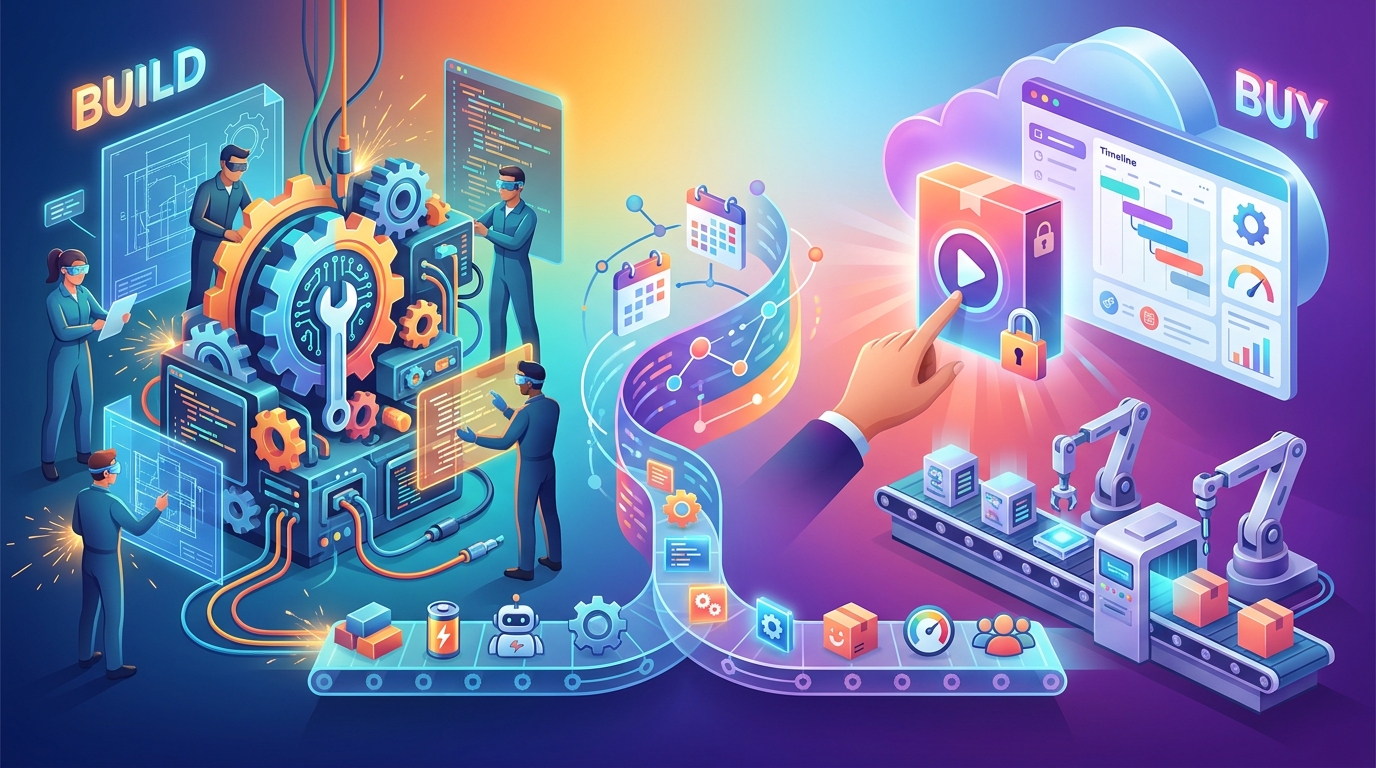
Buying an off-the-shelf ERP module works if your manufacturing process is highly standardized and predictable. You should build custom production scheduling software when your routing logic is your competitive advantage or when legacy systems force your operators into manual spreadsheet workarounds.
The enterprise market is dominated by massive suites. Companies often adopt SAP software or similar heavyweights to handle everything from accounting to HR. These systems usually include a production planning module. The problem is that these modules are built to serve the lowest common denominator across thousands of industries. They are rigid, difficult to configure, and often require millions of dollars in consulting fees just to implement basic routing rules.
When evaluating your options, you generally face three paths. Here is how they compare:
- Off-the-shelf Enterprise ERP: Best for standard discrete manufacturing with massive scale. These systems offer deep integration with finance and procurement but come with high vendor lock-in and extremely slow deployment times.
- Niche Vertical SaaS: Best for specific industries like food processing or injection molding. These tools deploy faster and speak the language of your specific floor, but they offer limited flexibility if your process deviates from the industry standard.
- Custom Build: Best for highly specialized processes or proprietary manufacturing methods. A custom build gives you complete control over constraint logic and user interfaces, requiring an upfront engineering investment but yielding a system that actually matches how your floor operates.
We see many mid-market manufacturers hit a wall with off-the-shelf tools. They end up exporting data from their expensive ERP into Excel just to run their daily schedule. If your team is paying for enterprise software but running the floor on a spreadsheet, the software has failed. That is the clearest signal that you need a custom solution designed around your actual constraints.
The data collection bottleneck on the shop floor
The best scheduling algorithm is useless if the shop floor data is delayed or inaccurate. Operators must be able to input machine states and completion times instantly, meaning the mobile or tablet interface on the floor is just as important as the optimization math.
Scheduling is a closed-loop system. The software issues a plan, the floor executes the plan, and the floor reports back. If that reporting is done on paper and entered into a terminal at the end of the shift, the schedule is blind for eight hours. During those eight hours, a machine might go down, causing a pileup of work-in-progress inventory that the system knows nothing about.
This is why user experience matters in industrial environments. A tablet interface for a machine operator must be fast, high-contrast, and usable with gloved hands. If it takes five clicks to report a job as complete, the operator will not do it until the end of the day. If it takes one tap, the system stays updated in real time. Building custom software allows you to strip away all the irrelevant fields and give the operator exactly what they need to see and nothing else.
How to evaluate dynamic recalculation
Focus entirely on how the software handles exceptions and disruptions. A machine will break and a supplier will be late. The software must be able to recalculate the entire schedule dynamically without requiring a manager to manually drag and drop hundreds of dependent tasks.
Static scheduling is easy. Dynamic rescheduling is the actual hard computer science problem. When a priority customer calls and demands a rush order, injecting that order into the schedule displaces everything else. A capable system will instantly show you the blast radius of that decision. It will calculate exactly which other orders will now be late and how much overtime will be required to catch up.
This is where you separate modern software from legacy tools. Ask vendors to demonstrate a machine failure during their pitch. Watch how many screens they have to click through to reassign the workload. If the system cannot automatically suggest a revised schedule based on your predefined priorities, it is not actually scheduling. It is just drawing a Gantt chart.
Deciding how to manage your factory floor is one of the most expensive choices a company makes. Getting it wrong means wasted capital and frustrated operators. If you are trying to figure out whether to force your process into an off-the-shelf tool or build something that actually fits your constraints, we can help you map out the architecture. Reach out and book a call with our engineering team to talk through your specific bottlenecks.
Maurizio Cavalieri is the Founder & CEO of LevelThree Co, established in 2019, he has worked in the industry for over 13 years developing software.
LinkedInFrequently asked questions
What is the difference between ERP and production scheduling software?
An ERP handles broad business functions like finance and HR. Production scheduling software is a specialized tool or module that sequences specific machine operations and labor on the factory floor.
How much does custom manufacturing software cost to build?
Custom builds depend entirely on the complexity of your routing logic and integrations. Simple scheduling interfaces can be built quickly, while full constraint-based optimization engines require significant engineering investment.
Can generic project management tools work for manufacturing?
Rarely. Tools built for office work assume resources are flexible. They lack the ability to model physical constraints like machine changeover times, raw material delays, and spatial limitations on a factory floor.
Signals, not noise.
- Field notes from real client builds
- Pricing, process & AI takes, unfiltered
- No spam. Unsubscribe in one click.