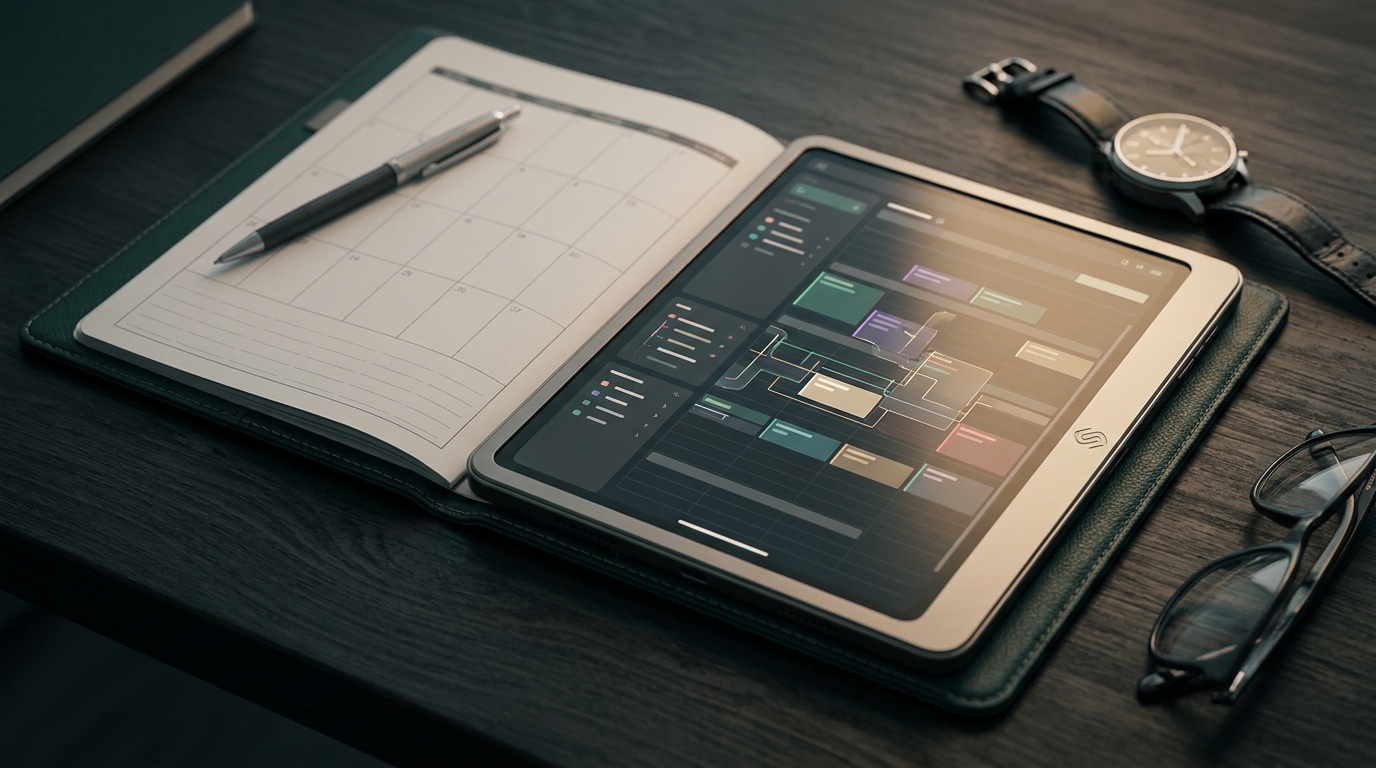

A customizable planner system is a scheduling and resource allocation engine designed to adapt to your specific operational constraints rather than forcing your team into a rigid calendar. It replaces generic time slots with custom data models that track dependencies, equipment availability, and personnel qualifications in real time.
For most businesses, scheduling is not just about finding an open hour on a calendar. It is a complex math problem involving location logistics, labor compliance, and asset management. When off-the-shelf tools fail to map to your actual workflows, your team inevitably reverts to manual spreadsheets to bridge the gap. Building a custom system turns your scheduling process from an administrative burden into a proprietary operational advantage.
Why off-the-shelf planner software fails complex teams
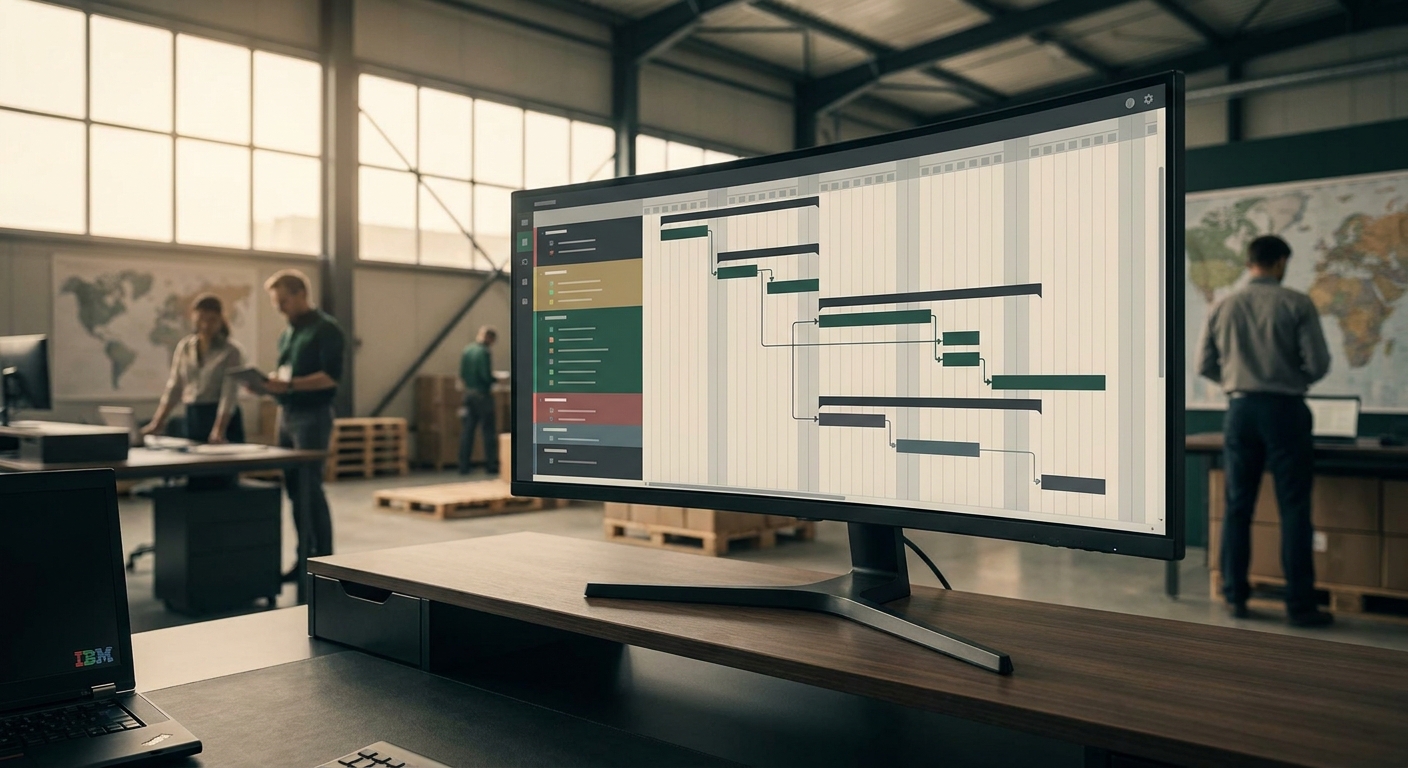
Standard planner software assumes time is the only variable that matters. Complex operations require managing intersecting constraints like equipment availability, union labor rules, and physical locations. When you try to force multi-variable operations into a generic calendar, the system breaks immediately.
Most daily planner software is built for individual productivity or simple team coordination. The underlying database architecture of these tools relies on basic start and end times assigned to a single user. When you attempt to scale that architecture to a multi-layered organization with shared assets, the interface becomes cluttered. More importantly, the generic software lacks the relational logic to understand that assigning a specific technician to a job also requires reserving a specific vehicle and specialized tools.
This limitation forces operators to maintain parallel systems. You might have one tool for employee shifts, another for fleet management, and a massive spreadsheet trying to reconcile the two. A custom approach eliminates this fragmentation by centralizing the constraint logic into a single source of truth.
The core architecture of a custom scheduling engine
A true customizable planner system separates the underlying constraint logic from the visual interface. This architecture allows different departments to view the exact same data through entirely different lenses, from a high-level Gantt chart for executives to a granular dispatch list for field workers.
To build a system that actually reflects your operational reality, you need three distinct architectural layers working in tandem. Ignoring any of these layers results in a tool that is either too rigid to use or too chaotic to trust.
- The Constraint Engine: This is the brain of the system. It consists of the specific business rules that prevent impossible schedules. It knows that a worker cannot be in two locations at once, that a machine requires maintenance after 100 hours of use, and that certain tasks require specific certifications.
- Flexible Data Models: Standard calendars use fixed fields like Title, Date, and Location. A custom system allows you to define your own entities. You can create data models for trucks, surgical suites, or camera packages, each with their own unique properties and states.
- Role-Based Interfaces: The way a warehouse manager needs to see a schedule is fundamentally different from how a delivery driver needs to see it. Custom systems render the same underlying data into Kanban boards, timeline views, or map-based interfaces depending on who is logged in.
Connecting to your existing infrastructure
Your planner cannot exist in a vacuum. It must pull master data from your heavy enterprise tools to ensure scheduling decisions are based on accurate inventory and financial realities. Isolated scheduling tools create dangerous data silos.
For large organizations, syncing resource availability directly from an SAP S/4HANA ERP system ensures your planners are not scheduling inventory that has already been allocated to another project or flagged for depreciation. The ERP remains the financial system of record, while the planner system acts as the operational execution layer.
Similarly, integrating your planner with issue tracking tools creates a continuous operational loop. By connecting to a Spiceworks ticketing system, you can automatically convert IT requests or facility maintenance tickets into scheduled tasks. The planner system evaluates the ticket priority, checks technician availability, and routes the job without manual dispatcher intervention.
The show management system use case
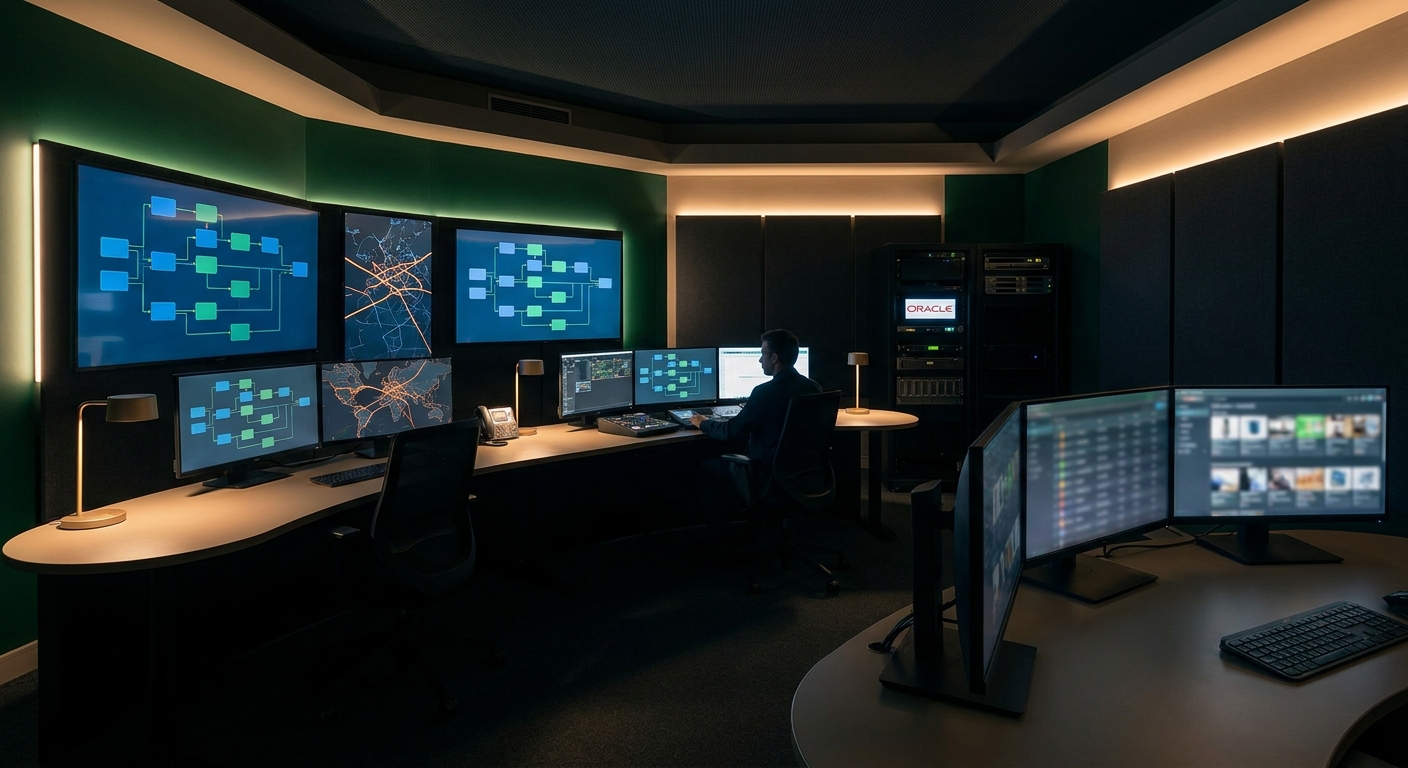
Live events and complex productions expose the flaws in standard scheduling tools instantly. A custom show management system becomes necessary when a single schedule change cascades across hundreds of dependent tasks, union crews, and external vendors.
In event production, scheduling is highly volatile. A delayed truck delivery impacts the rigging crew, which delays the lighting department, which pushes back rehearsals. Generic software requires a human to manually adjust every dependent task, usually resulting in errors and overtime penalties.
A custom show management system recalculates these dependencies automatically. It understands the critical path of the production. If the rigging crew is delayed, the system automatically flags the conflict for the lighting crew, checks union rules for meal break violations caused by the delay, and alerts the production manager to the cost implications in real time. This level of domain-specific logic is impossible to achieve with standard SaaS products.
Making the build versus buy decision
If scheduling is your core operational advantage or your primary cost driver, you should build a custom system. If scheduling is merely an administrative function, you should buy an off-the-shelf tool and adapt your internal processes to fit its limitations.
The decision comes down to how much your unique constraints define your business model. Consider these contrasting paths:
- Buying Off-the-Shelf: You get fast deployment and standardized workflows. The trade-off is that you must change your business processes to match how the software assumes you should work. This is the correct choice for standard office environments, basic shift work, and simple project management.
- Building Custom: You face a higher initial effort and require technical expertise. The reward is a proprietary asset that aligns perfectly with your business logic. This is the correct choice for specialized logistics, healthcare staffing, heavy equipment rental, and complex event management where generic tools create costly bottlenecks.
The limits of custom planning tools
Custom planners require ongoing maintenance and strict data hygiene to function correctly. A highly flexible scheduling system fed with inaccurate data will simply automate conflicts and dispatch errors at a much higher speed.
You also have to resist the urge to over-engineer the solution. When building a customizable system, the temptation is to create a feature for every possible edge case. This approach creates a bloated interface that your team will refuse to use. The goal is to automate the 80 percent of scheduling that follows predictable rules and provide a clean, manual override interface for the 20 percent of edge cases that require human judgment.
If your current software is forcing you to run your operations out of supplementary spreadsheets, it is time to evaluate a custom approach. We can help you map out the exact architecture your operational constraints require. Reach out and book a call to talk through your specific scheduling challenges.
Maurizio Cavalieri is the Founder & CEO of LevelThree Co, established in 2019, he has worked in the industry for over 13 years developing software.
LinkedInFrequently asked questions
What makes a planner system customizable?
A customizable planner system allows you to define your own data models, business rules, and user interfaces. Instead of just booking time slots, you can build logic that manages dependencies between specific personnel, equipment, and locations.
When should a company build rather than buy planner software?
You should build custom software when scheduling is a primary driver of your operational costs or competitive advantage. If off-the-shelf tools force you to use manual spreadsheets to track complex dependencies, a custom build will generate a high return on investment.
Can a custom planner integrate with my current ERP?
Yes. A well-architected custom planner should integrate with your ERP using APIs or event-driven webhooks. This ensures that your scheduling engine always references accurate master data regarding inventory, financials, and human resources.
Signals, not noise.
- Field notes from real client builds
- Pricing, process & AI takes, unfiltered
- No spam. Unsubscribe in one click.